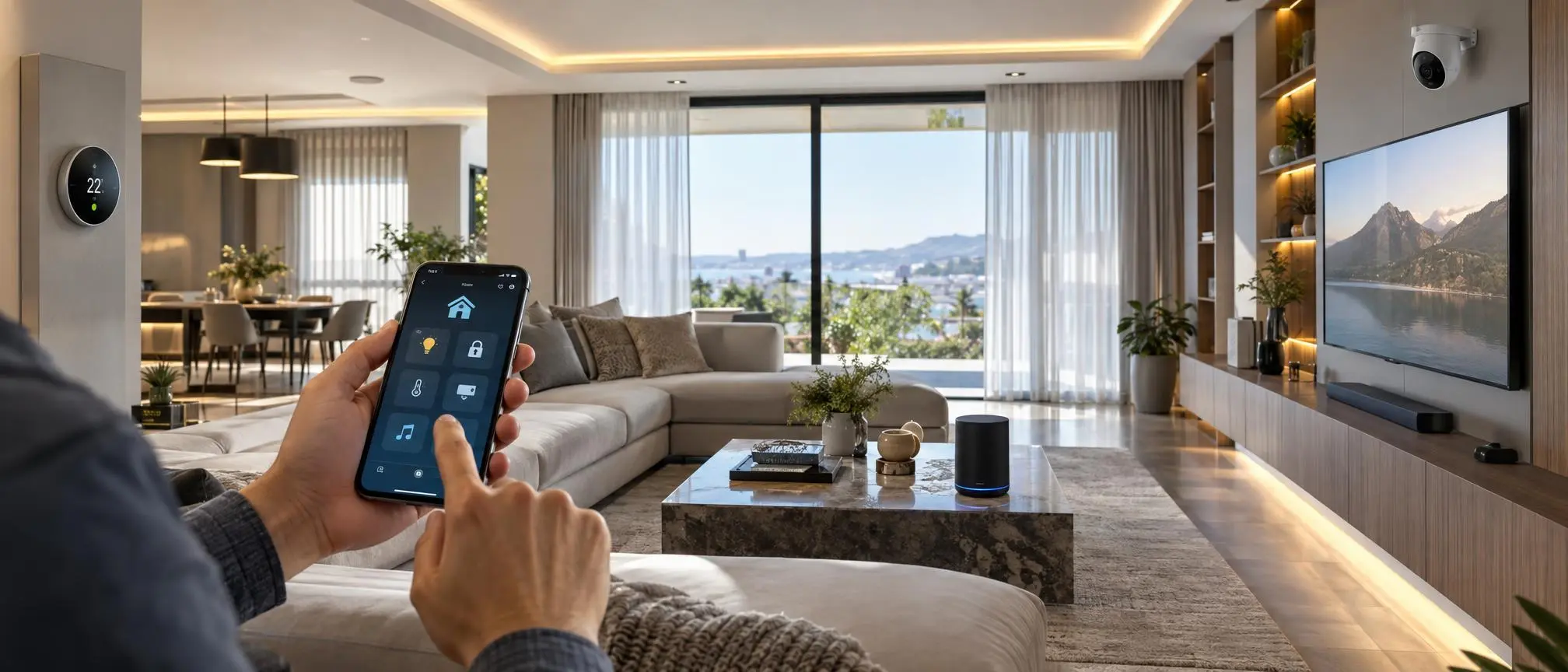

Learn how to plan and complete yourSmart Home Installation today.Technology that is “smart” has completely altered how people use technology in their homes. Whether you are using your voice to control the lights in your home or watching security camera footage remotely, smart technology provides many advantages to make day-to-day life easier, safer, and more energy-efficient.
However, there are a lot of homeowners who don’t know where to begin, nor do they understand how the installation of a smart home works. When done correctly, a smart home installation provides communication between various devices within the home. This creates a “connected” home environment that may be controlled via mobile devices such as smart phones and tablets, or by using a voice-activated assistant.
If you are going to put in smart lights, security cameras, smart locks, thermostats, or a whole house automation system, knowing how to install each correctly will be critical.
In this comprehensive manual, you will find all the information necessary to install your smart home. This includes preparation, the setup of your devices, the steps required to install them, cost estimates, and advice from professionals on how to make your smart home reliable.
What Is Smart Home Installation?
Smart home installation is the act of configuring and linking together electronic products (intelligent) within a household for either manual/remote control or automatic function.
Unlike traditional home devices, smart products use technologies such as:
- Wi-Fi
- Bluetooth
- Zigbee
- Z-Wave
- Smart home hubs
The technology allows devices to communicate together and also respond to commands.
For example, after a successful smart home installation, you can:
- Turn lights on and off using your smartphone
- Lock doors remotely
- View security cameras while away from home
- Adjust room temperature automatically
- Control entertainment systems with voice commands
A smart home may range from being an elementary network of connected lightbulbs to being a completely automated household.
Benefits of Smart Home Installation
Installing smart devices provides several advantages for homeowners.
Improved Convenience
One of the biggest reasons people choose smart home installation is convenience.
Using a phone app or voice assistant, you may control several different devices rather than individually controlling each one.
For example:
- Turn off all lights before sleeping
- Adjust temperature without leaving your seat
- Create automatic morning and evening routines
Better Home Security
Smart security devices provide better control and monitoring.
With smart cameras, sensors, and locks, homeowners can:
- Receive instant alerts
- Monitor entrances
- Check activity remotely
- Give temporary access to visitors
A well-planned smart home installation improves overall home protection.
Energy Savings
Smart devices can help reduce unnecessary energy usage.
Examples include:
- Smart thermostats adjusting temperature automatically
- Smart lights turning off when rooms are empty
- Smart plugs preventing standby power consumption
Over time, these features can help lower electricity costs.
Planning Before Smart Home Installation
Before purchasing devices,Smart Home Technology Guide proper planning is necessary.
The first step in having a successful smart home is knowing what you want to do with the technology, and then finding products that can work together.
Identify Your Smart Home Goals
First, decide what you want to automate.
Common goals include:
Security Automation
You may need:
- Smart cameras
- Door sensors
- Smart locks
Motion detectors
Comfort Automation
You may choose:
- Smart lighting
- Smart speakers
- Smart thermostats
Energy Management
Useful devices include:
- Smart plugs
- Energy monitoring systems
- Automated climate controls
Check Your Internet Connection
One of the primary necessities for smart home installations is a consistent, reliable internet service.
Most smart devices depend on Wi-Fi to communicate with apps and cloud services.
Before installation, check:
- Router performance
- Wi-Fi coverage
- Signal strength in different rooms
For larger homes, a mesh Wi-Fi system can provide better coverage.
Choose a Smart Home Ecosystem
Smart devices work best when they belong to the same ecosystem.
Popular platforms include:
- Google Home
- Amazon Alexa
- Apple HomeKit
Before buying devices, check compatibility.
For example:
- Does the smart bulb support your voice assistant?
- Does the security camera work with your mobile app?
- Can different devices communicate together?
When you choose items that are designed to work together, installing your smart home will be much easier, and the system will run more smoothly.
Essential Tools Required for Smart Home Installation
Most basic installations require simple equipment.
You may need:
- Smartphone or tablet
- Wi-Fi router
- Device applications
- Screwdriver
- Mounting accessories
- Power cables
- Batteries
Advanced systems may require electrical tools or professional assistance.
How to Install Smart Home Devices Step by Step
Installing Smart Lights
Smart lighting is usually the easiest starting point for beginners.
Installation Steps:
Step 1:
Remove the existing bulb and install the smart bulb.
Step 2:
Turn on the power supply.
Step 3:
Download the manufacturer’s mobile application.
Step 4:
Connect the bulb to your Wi-Fi network.
Step 5:
Assign a name such as “Living Room Light” or “Bedroom Light”.
Once you have completed the smart home setup process, you will be able to manage your lighting systems’ brightness level, color options and scheduling using your mobile device.
Installing Smart Security Cameras
Smartphones are one of the most common devices in any modern home.
Camera Installation Process:
Select the Right Location
Install cameras that can monitor:
- Main entrances
- Driveways
- Important rooms
Outdoor areas
Setup Process:
- Mount the camera bracket.
- Connect the camera to power.
- Install the camera app.
- Connect it to Wi-Fi.
- Enable motion alerts.
Good smart home installation guarantees cameras really allow monitoring.
Installing Smart Door Locks
Smart locks enhance security & convenience.
The installation process usually includes:
- Removing the existing lock
- Installing the smart lock system
- Adding batteries
- Linking the lock with an application
- Setting passwords or access codes
A few of the more sophisticated smart locks additionally assist:
- Fingerprint access
- Remote unlocking
- Temporary guest access
Installing Smart Speakers and Voice Assistants
Smart speakers act as the control center for many smart homes.
Popular features include:
- Voice commands
- Music control
- Device management
- Automated routines
Setup Steps:
- Plug in the smart speaker.
- Install the companion app.
- Connect it to Wi-Fi.
- Link smart devices.
- Create voice commands.
This makes daily tasks easier after completing your smart home installation.
Smart Thermostat Installation
Smart thermostats help control home temperature efficiently.
Installation usually involves:
- Removing the old thermostat
- Checking wiring compatibility
- Connecting the new thermostat
- Configuring the mobile app
Professionals may need to be hired for certain households because of the complexity of thermostat wiring.
DIY vs Professional Smart Home Installation
Many homeowners are trying to decide if they want to install the products on their own, or have professionals do it.
DIY Smart Home Installation
DIY installation is suitable for:
- Smart bulbs
- Smart plugs
- Smart speakers
- Basic cameras
Advantages:
- Lower cost
- Quick setup
- Easy customization
Professional Installation
Professional services are better for:
- Whole-home automation
- Electrical smart switches
- Complex security systems
- Large properties
Experts can verify that the full installation of a smart home is both safe and correctly set up.
Common Smart Home Installation Mistakes
Buying Incompatible Devices
Not every smart device plays nice together.
Always check compatibility before purchasing.
Ignoring Network Problems
Weak Wi-Fi can cause:
- Connection failures
- Slow responses
- Device interruptions
Poor Device Placement
Examples:
- Cameras to be placed when visibility is blocked
- Sensors installed in wrong locations
- Speakers positioned incorrectly
Proper planning improves performance.
Ignoring Security Settings
Protect your smart home by:
- Using strong passwords
- Updating firmware
- Enabling two-factor authentication
How Much Does Smart Home Installation Cost?
The cost depends on the number and type of devices.
Basic Setup
Includes:
- Smart bulbs
- Smart plugs
- Smart speakers
Medium Setup
Includes:
- Security cameras
- Smart locks
- Sensors
Advanced Setup
Includes:
- Complete automation
- Smart electrical systems
- Multiple connected devices
Smart Home installation is available for both low-cost and higher-cost options.
Future of Smart Home Technology
Artificial intelligence and automation are making smart homes even smarter.
Future developments may include:
- AI-powered security
- Automatic energy management
- Predictive home automation
- More advanced voice control
With technology continuing to advance, it’s expected that it will be much easier for homeowners to put in a “smart home” system and as a result, there will be more homeowners who decide to have a smart home installed.
Frequently Asked Questions (FAQs)
Can I install smart home devices myself?
Smart home products like lightbulbs, outlets, and speakers can be easily installed by users themselves.
Do smart homes require Wi-Fi?
Most smart devices use Wi-Fi to connect to other devices, but there are a few exceptions that use Bluetooth or a smart hub.
How long does smart home installation take?
A simple system installation could be done in several hours, but more advanced automated systems will typically need professional help with the installation process.
Are smart home devices safe?
Yes, when properly secured with strong passwords, updates, and privacy settings.
What are the best smart devices for beginners?
Smart lightbulbs, smart power strips, smart speakers, and basic home monitoring systems provide great first steps for consumers looking to introduce smart devices into their homes.
Conclusion
With the help of current technology, it has never been as easy to develop a connected home. When homeowners plan for a proper smart home installation, they are able to take advantage of enhanced security, ease of use and reduced energy consumption.
A smart home that works well is possible if you choose compatible products and use the correct installation methods, whether you begin with one smart bulb or build an entire automated system.
Transforming a home from a conventional design to a “smart” design, which offers greater convenience and comfort, is possible for everyone with proper planning.