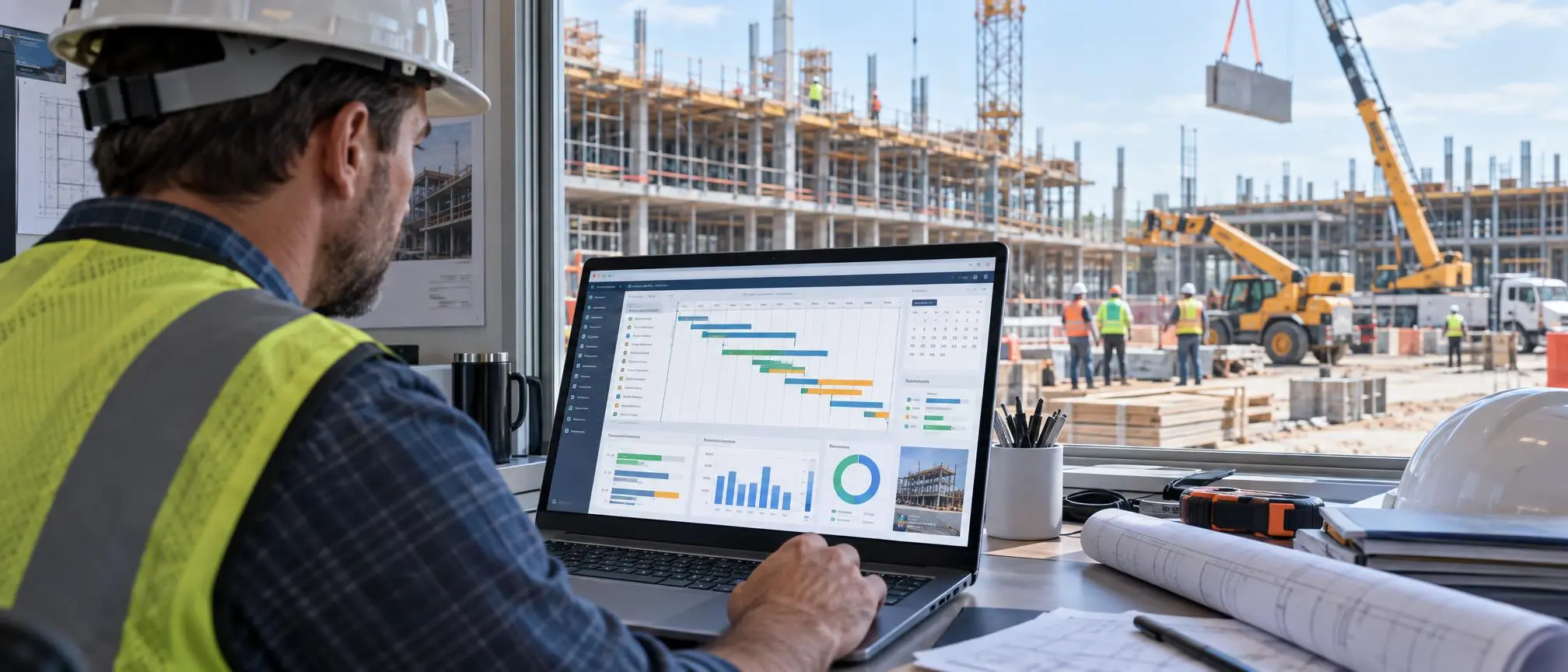

Managing construction projects can be challenging. Contractors need to manage not only workers but also subcontractors and the schedule for materials, equipment, and inspections. Top it all off with changing project requirements, and a small delay in one task can cause cascading effects on many other tasks.
This is where construction scheduling software becomes useful.
Traditionally, project managers coordinate tasks by using a multitude of less than ideal methods such as spreadsheets, white boards, calendars, and phone calls. However, with a centralized system for organizing project tasks, managers can more efficiently create and change schedules, identify and manage delays, and communicate to stakeholders the changes that occur on the project.
As the number of available scheduling tools increases, deciding on the right tool for the project becomes difficult.
This guide covers the essentials of construction scheduling tools, key features, benefits, common types of tools, and methods for contractors to evaluate scheduling tools for their projects.
Construction Scheduling Software Overview
Scheduling software for the construction industry is a tool that helps project managers, builders, and contractors digitally organize tasks for constructing a project.
These tools help organize tasks by start date, completion date, dependencies, resources, crews, and project end points.
For example, tasks for constructing a building may include:
- Site Work
- Excavation
- Foundation
- Framing
- Electrical
- Plumbing
- HVAC
- Roofing
- Interior Finishing
- Inspections
- Completion
- Delivery
The tools often provide display formats for project schedules such as calendars, timelines, Gantt charts, dashboards, and Critical Path Method schedules.
The main point is simple: Help everyone understand sequences and related activities.
Why Construction Scheduling is Critical
Dozens of activities comprise a construction project.
A subcontractor arriving two days late can delay the following trade. Missing materials can prevent a trade from starting a task. Equipment may not be available when needed and weather can force management to alter the project schedule.
The right schedule allows the team to address each of these issues.
Construction scheduling software allows project managers to easily update tasks and schedule changes, as compared to using a complicated spreadsheet, for example.
The right construction scheduling software allows different stakeholders to view the project schedule at various levels of detail.
Owners can view major project milestones, managers can view work activities to be performed by staff, and subcontractors can view when their work is to be performed.
The Right Construction Scheduling Software
Not every construction scheduling software meets the same requirements. However, there are features that a construction company should look for when comparing various software packages.
1. Gantt Charts
Gantt charts illustrate the start and finish of project activities and help determine potential scheduling conflicts.
2. Task Dependencies
Constructing activities often create a sequence.
For example, drywall installation can’t start until some electrical and plumbing work has finished.
Managers can connect related activities using task dependencies.
If the preceding task is altered, the connected activities can be modified automatically.
This can simplify schedule management with complex projects.
3. Critical Path Management
CPM helps project managers find the sequence of activities that determines the project completion date.
Some advanced scheduling software provides additional CPM functionality.
This can be beneficial for large projects (e.g., infrastructure, engineering, construction, etc.).
4. Resource Scheduling
Construction schedules involve more than just activities.
Other things that may need to be scheduled include
- Employees
- subcontractors
- equipment
- vehicles
- machinery
- materials
Some scheduling software has resource management features that help teams identify if the necessary resources are available to perform a given activity.
5. Crew Scheduling
Scheduling crews across multiple projects quickly becomes complicated.
A contractor may have an electrician doing work on one project in the morning and a different project in the afternoon.
Crew management features available in some scheduling software helps contractors avoid scheduling the same crew to work on two different projects at the same time.
6. Mobile Access
Supervisors and field workers may be able to view tasks and schedules or input progress from a mobile device.
Other features may allow them to check the status of work orders or receive notifications about a change in work assignment.
Features that give construction teams mobile access to schedules and other project management tools can help them better manage the work that happens in the field.
7. Real-Time Updates
Construction schedules change frequently.
For managers, inputting data to the cloud means that other team members do not have to wait for the next email attachment or spreadsheet for schedule updates.
Teams can work from a more updated and consistent schedule.
8. Progress Tracking
In project management, it is not enough to simply know what activity was scheduled to happen; teams must have a way to track what actually was accomplished.
Progress can be tracked with respect to activities that were scheduled to take place.
Benefits of Using Construction Scheduling Software
The core benefit of construction scheduling software is centralization of project information.
Instead of key project data being in fragments across different messaging apps, emails, notebooks and spreadsheets, it can be located in a single source.
Some of the benefits include:
Improved Project Profitability
Construction projects are made up of a series of activities.
Breaking a project down into smaller, more manageable components can be achieved through a construction scheduling software.
Improved Communications
Because there are a lot of moving pieces, schedule changes can bring about confusion and chaos, especially when team members work from different plans.
Using a centralized plan can bring about team work coordination.
Better Responsiveness
Certain events beyond a project team’s control can result in delays.
Using digital scheduling tools, managers can be proactive and bring about schedule visibility in order to figure out where changes may be required.
Better Resource Planning
Managers can use scheduling data to see when crews and equipment will be needed.
This information can be used to reduce the amount of time that crews spend waiting for equipment or other crews to finish work.
Improved Accountability
When responsibilities and deadlines are specifically assigned, team members can easily see who is in charge of what.
Although this doesn’t completely eliminate problems with a project, this increases the level of responsibility visibility on the project.
Construction Scheduling Software vs. Spreadsheets
Many small contractors start their project scheduling with Excel or Google Sheets.
For simple projects, this may work.
However, as the level of project complexity increases, reliance on a spreadsheet also increases.
Imagine trying to manage a project that consists of 200 activities.
If one of the major activities is delayed for five days, a number of activities that are linked to it may also need to move.
Managing those changes manually can take a considerable amount of time.
Construction scheduling software is designed to automate those relationships.
Spreadsheets may work for some simple projects, but for projects that consist of multiple teams, subcontractors, and/or high-level project dependencies, it may be beneficial to use a construction scheduling software solution.
Top 5 Construction Scheduling Software in 2026
- Procor
- Buildertrend,
- CoConstruct
- Microsoft Project
- Primavera P6
Popular Types of Construction Scheduling Tools
Different types of construction companies need different levels of scheduling functionality.
Current construction software comparisons include broad construction management platforms, like Procore, to more specialized construction project management and scheduling tools, like Microsoft Project and Oracle Primavera P6.
Rather than choosing construction scheduling tools based on popularity, contractors should familiarize themselves with the different scheduling tool categories.
Construction Management System (CMS)
General construction management systems incorporate scheduling with other construction management functions. These functions may include:
- Documents
- RFIs
- Submittals
- Budgets
- Daily Reports
- Change orders
- Scheduling
- Field communication
These systems may appeal to companies that like managing several processes in one system.
Dedicated Scheduling Systems
There are also systems that are focused on schedule management and have more features related to project scheduling and planning.
Dedicated scheduling systems typically have more advanced features related to project scheduling and planning, such as resource leveling and other schedule analysis features, and CPM.
These systems are more targeted to the professional scheduler.
Field Scheduling Systems
Some systems are focused on field management.
These systems may help with the short-term management of activities and work assignments for crews.
Residential Construction Systems
Some contractors that only perform construction work in the residential market may prefer scheduling systems that are more targeted to home building workflows, as compared to a scheduling system more targeted to large infrastructure work.
How to Select the Best Construction Scheduling Software
Typically, a contractor should begin their selection of construction scheduling software by first determining their actual construction workflow.
The scheduling software does not need to be overly complicated with several additional features.
Project size and scope should be considered.
The number of users should be considered.
Some systems are designed with lower costs in mind for smaller firms, while other systems are designed for larger firms.
Ease of use should be considered. Powerful software does no good if it is not used.
Prior to selecting a construction scheduling platform, verify your field teams will be able to comprehend and update the system.
A relatively simple to use interface that has the essential features for your business may prove to be a better solution than a complicated platform.
Number of Users
Consider who actually needs access.
This might include:
- Project managers
- Superintendents
- Office staff
- Foremen
- Subcontractors
- Clients
Software costs and usability can change significantly depending on the number of users.
Mobile Experience
Because many supervisors work from job sites, the mobile version should be thoroughly tested.
Make sure your team can easily do critical tasks from a mobile device.
Integrations
Construction companies typically use many different business systems.
Your scheduling platform may need to integrate with your accounting, document management, payroll, time tracking, project management, and/or other business systems.
Reporting
Your managers may need reports showing things like project schedules, upcoming activities, delays, resource usage and/or milestones.
Make sure your new scheduling system can give your management team the reports they need to do their job.
Construction Scheduling Software for Small Businesses
A small contractor may need to plan and track jobs more than they need to do CPM analysis or other high-level scheduling.
A small roofing contractor or a small remodeling contractor may need the ability to:
- Schedule tasks for their crews
- Assign crews to jobs
- Manage jobs on a calendar
- Get notifications
- Track projects
Simple construction scheduling software may be the right solution for your small contracting business.
The best construction scheduling software for a small contractor is the software employees can learn and use quickly.
Construction Scheduling Software for Large Projects
Large construction and civil projects may require extensive and highly detailed scheduling.
Thousands of activities may be scheduled for execution, which may involve different contractors, suppliers, engineering teams, equipment, and/or milestones.
In these scenarios, other scheduling features may be necessary.
You may also need baselines, dependencies, critical path analysis, schedule comparisons, resource planning, and other types of analysis and reports.
More advanced project scheduling tools are typically found in the higher-end construction software solutions.
Common Scheduling Mistakes to Avoid
Purchasing software will not automatically produce an efficient and effective construction schedule.
Avoiding scheduling mistakes is still important.
Creating Unrealistic Deadlines
Deadlines should be reflective of actual construction conditions and sequencing.
More aggressive deadlines may look good during planning, but they can create problems down the road if the construction crews and resources cannot support them.
Ignoring Dependencies
Sequencing activities should take into account if one activity is dependent on another.
Not Updating the Schedule
A schedule that was accurate three weeks ago may not reflect the activities currently happening on the job site.
Construction schedules should be reviewed and updated regularly.
Making the Schedule Too Complex
While details may be important to fully illustrate the plan, if the level of detail is so great that the field crews and other personnel on the job cannot decipher the plan, it creates a situation where communication is actually more difficult.
Frequently Asked Questions
What does construction scheduling software do?
Construction scheduling software assists project managers and contractors schedule project activities, deadlines, dependencies, and resources, and incorporate key project milestones.
It allows users to create graphical activities and dependencies.
Can construction scheduling software reduce delays?
While software cannot remove all delays from a construction project, it can assist the project management team identify potential delays before they occur, understand key relationships of project activities, and adjust their project plans to communicate changes to the project team.
Is construction scheduling software right for small contractors?
Yes, small contractors can use scheduling software to manage their jobs, employees, and subs and to help hit deadlines.
The main issue small contractors have is paying for features they are not likely to use.
What is a Gantt chart in construction?
A Gantt chart in construction is a visual representation of a schedule showing the start and end dates for project activities.
This type of chart shows how project activities relate and overlap with each other.
What is CPM Scheduling?
CPM stands for Critical Path Method.
It is a scheduling technique to help determine the project activities and the sequence to help accomplish the project goals and help determine the long and short activities in the project.
Can Excel be used for construction scheduling?
Yes, Excel can be used for construction scheduling, especially for smaller and less complex projects.
If a project is larger and more complex, incorporating changing activities, crews and dependencies, it may be time to look into other options.
Final Thoughts
There are many things that go into a successful construction project besides good workers and materials. One of these things is good coordination.
Contractors need to know what activities are coming next, what crews are available, where equipment is required, and when delays are going to affect the planned completion of the project.
This is where good software can make a big impact.
Simple software for job and crew scheduling may be all that smaller contracting firms need, and larger organizations may need more sophisticated software for things like CPM, resource management, baselines, and reporting.
Figure out your biggest problems with scheduling. Then identify the features that your personnel are really going to need and use. Lastly, check and see how easy the software is going to be for your staff to use.
The software that provides the best value for your contracting firm is not the one with the most features. The best software is the one that is going to help your firm create realistic project schedules, notify staff of schedule changes, and ultimately help you and your staff coordinate and control the many resources required to complete your project.